
How to Use AI More Efficiently on Mac Copy
By Kirill Mirgorod
7 Min Read
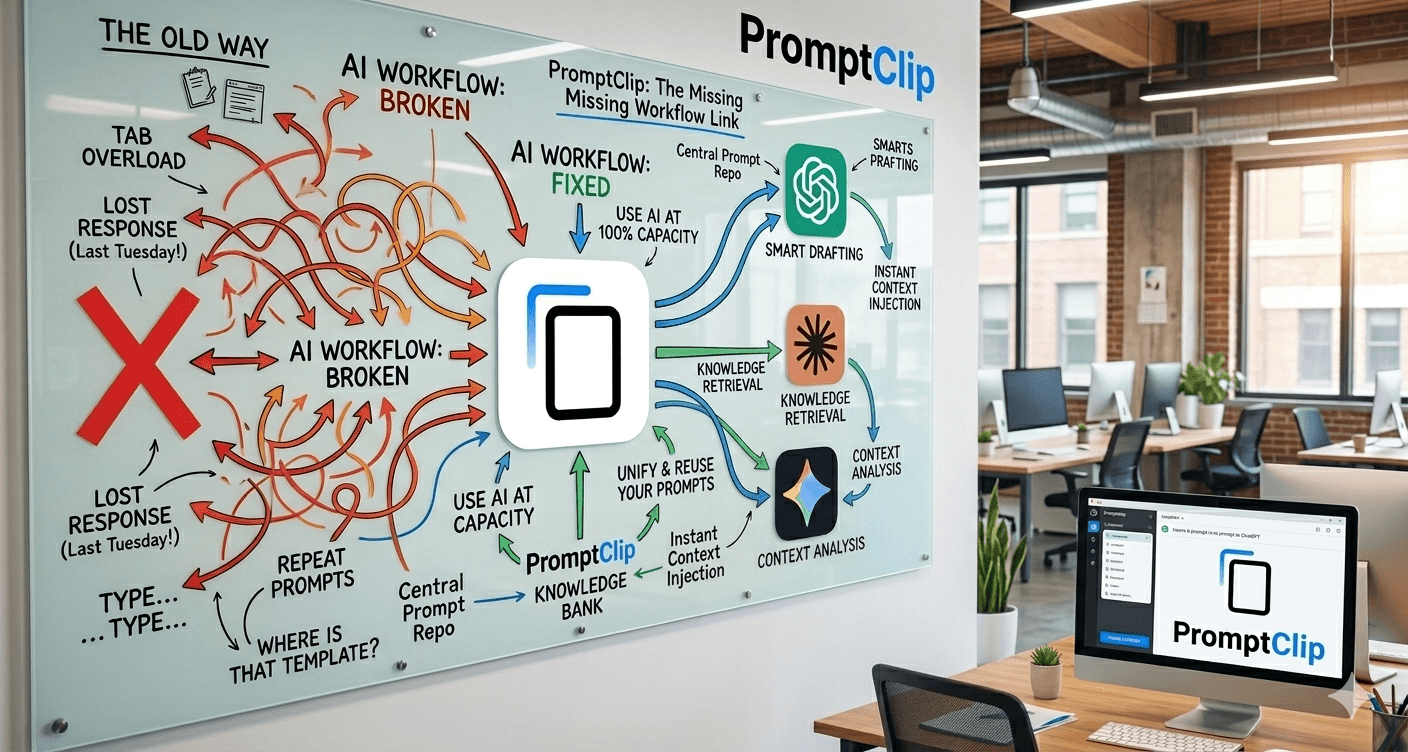
If you use ChatGPT, Claude, or Gemini daily, you already know the problem.
You type the same prompts over and over. You lose the perfect response you got last Tuesday. You switch between tabs looking for that template you wrote last month.
AI tools are powerful. But most people use them at 50% capacity - not because the AI is bad, but because their workflow is broken.
Here's how to fix that.
The biggest time waster nobody talks about
Mac clipboard holds one item. Copy a new prompt - your previous one is gone.
This kills AI workflows. You spend more time managing text than actually working with AI.
How to use AI more efficiently: the actual steps
Problem | Solution |
|---|---|
Retyping the same prompts | Save them as snippets |
Losing copied AI responses | Keep full clipboard history |
Switching apps to find templates | One shortcut to paste anything |
Slow copy-paste workflow | ⌘1–⌘8 instant paste |
Step 1: Build a prompt library
Stop typing from scratch. Your best prompts — "summarize in 3 bullets", "rewrite more formally", "give me 5 alternatives" — should be saved and ready to paste in one keystroke.
Step 2: Keep your clipboard history
AI gives you a great response. You copy it. Then you copy something else and it's gone. Full clipboard history means nothing gets lost.
Step 3: Use keyboard shortcuts
Every second you spend clicking is a second you're not thinking. The fastest AI users never leave the keyboard.
The tool that makes this possible
PromptClip is a clipboard manager for Mac built specifically for AI workflows.
It keeps your full copy history (up to 100 items) and lets you save your most-used prompts as permanent snippets. Press ⌘1–⌘8 to paste any of them instantly — in ChatGPT, Claude, Notion, anywhere.
100% local. No cloud. No subscription. One-time $9.99, 14-day free trial.
People who switch to PromptClip report getting through AI tasks noticeably faster — less retyping, less searching, less switching between apps.
Download PromptClip free → promptclip.io
The bottom line
AI is only as efficient as the workflow around it. Fix your clipboard, build your prompt library, stay on the keyboard.
That's how you get to the next level.