
The Best Clipboard Manager for Mac in 2026: An Honest Comparison
By Karina Gimranova
15 Min Read
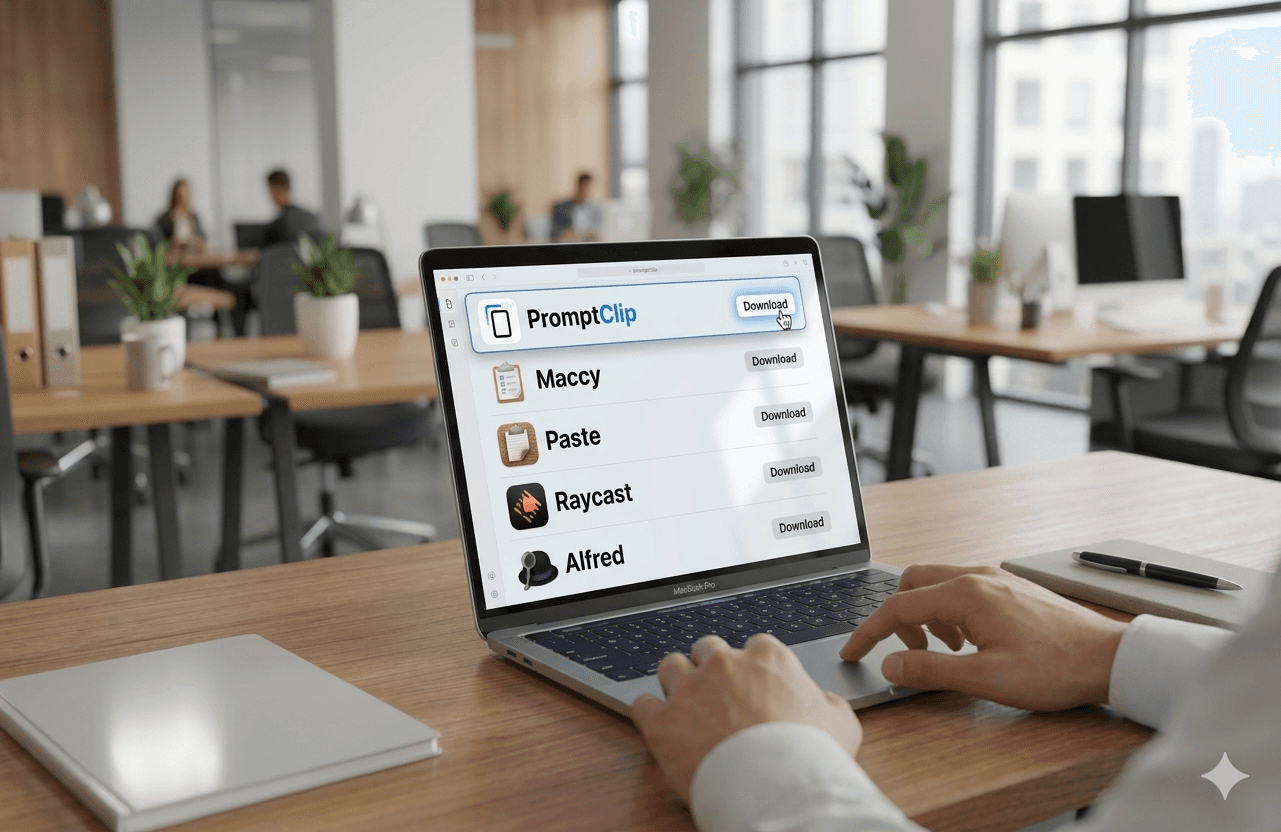
I'll be upfront: I built PromptClip, one of the tools in this comparison. But I also spent months using every major clipboard manager before deciding to build my own - and I have a clear sense of what each one does well and where each one falls short.
This is an honest look at the five most relevant options in 2026. Not a feature checklist. A real answer to the question: which one is actually right for you?
Why You Need a Clipboard Manager on Mac
The default macOS clipboard holds exactly one item. Copy something new and the previous item is gone.
For casual use that's fine. For anyone doing serious work - writing, outreach, development, AI-assisted workflows - it's a daily source of friction that compounds quietly into hours of lost time every week.
A clipboard manager solves this by keeping your copy history accessible and, in the better tools, letting you save reusable text permanently. That second part - saved snippets - is where most tools either shine or fall short.
The Five Best Clipboard Managers for Mac in 2026
1. PromptClip
Price: Free 14-day trial · $9.99 one-time
Best for: Professionals who need both clipboard history and saved snippets
PromptClip is the only clipboard manager on this list built specifically around two things working together: copy history and a permanent saved snippet library. Most tools do one or the other. PromptClip treats both as equally important.
The keyboard-first design matters here. A global shortcut opens the app from anywhere - even when the menu bar icon is hidden behind the notch or overflowed by other apps. Saved snippets get assigned ⌘1–⌘8 shortcuts for instant paste without searching.
Built for people who reuse text constantly - AI prompts, email replies, outreach templates, follow-ups. Everything stays local on your Mac. One-time payment, no subscription.
Strong points: Clipboard history + saved snippets in one place, keyboard-first access, local storage, one-time price, built for AI workflows Limitations: Mac only, no cross-device sync by design
2. Maccy
Price: Free (open source) · $9.99 on App Store
Best for: People who want simple clipboard history and nothing else
Maccy is a lightweight, completely free, open-source clipboard manager for macOS that stores data locally, ensuring privacy and speed. It does one thing: keeps your copy history searchable and accessible. No saved snippets, no permanent library, no keyboard shortcuts for specific items.
If your only need is recovering something you copied recently, Maccy is excellent - fast, minimal, private, free. The moment you need to permanently save and organize reusable text, it has no answer for that.
Strong points: Free, fast, open source, local storage, minimal footprint
Limitations: No saved snippets, no permanent library, no per-item keyboard shortcuts
3. Paste
Price: $29.99/year subscription
Best for: People who want beautiful UI and cross-device sync
Paste is a full-featured clipboard manager that offers a sleek card-style interface and syncs across all your devices via iCloud. It's the most visually polished option on this list and the only one with genuine cross-device sync between Mac, iPhone, and iPad.
The subscription model is the main friction point. Paste costs $29.99 per year - which over three years costs more than six times what PromptClip costs once. For users who genuinely need iCloud sync across devices, that trade-off may make sense. For Mac-only users, it's hard to justify.
Strong points: Beautiful interface, iCloud sync, solid clipboard history
Limitations: Subscription required, expensive long-term, focused on visual browsing over speed
4. Raycast
Price: Free (Pro from $8/month)
Best for: Power users who want an all-in-one launcher
Raycast is not primarily a clipboard manager - it's a launcher that includes clipboard history as one of many features. It's powerful, well-designed, and popular among developers who want one tool that does everything.
The clipboard features work well within the Raycast ecosystem. But if clipboard management and snippet access is your primary need, Raycast is significant overkill. You're adopting a platform to get one feature. The free tier includes basic clipboard history; more advanced features require the Pro subscription.
Strong points: Powerful overall, great for developers, extensible
Limitations: Overkill for clipboard-only needs, subscription for full features, steep learning curve
5. Alfred
Price: Free · $34 one-time for Powerpack Best for: Mac power users who already use Alfred for other things
Alfred is another launcher with clipboard history built in, but clipboard features require the paid Powerpack upgrade. Like Raycast, it's a platform-first tool rather than a clipboard-first tool. If you already use Alfred daily and want to add clipboard history without switching apps, the Powerpack is reasonable. If you're starting fresh and primarily want clipboard management, it's an indirect route.
Strong points: Mature product, one-time Powerpack payment, broad feature set
Limitations: Clipboard is secondary feature, requires Powerpack, not built for snippet management
How to Choose
Choose PromptClip if: You work with repeated text every day - prompts, replies, templates, outreach - and need both clipboard history and a permanent saved snippet library in one keyboard-first tool. One-time payment, local on Mac, built specifically for this use case.
Choose Maccy if: You want free, simple clipboard history with no extras. You don't need saved snippets or per-item shortcuts.
Choose Paste if: You genuinely use multiple Apple devices and need iCloud sync. You don't mind paying annually.
Choose Raycast or Alfred if: You want a full Mac launcher and clipboard history is just one piece of a larger workflow overhaul.
The Feature That Most Tools Miss
The distinction that matters most - and that most comparison articles skip - is the difference between clipboard history and saved snippets.
History is reactive. It helps you recover something recent.
Saved snippets are proactive. They let you keep your best text permanently ready to paste.
Most clipboard managers are built around history only. If your work involves reusing the same prompts, replies, and templates daily, history alone solves half your problem.
PromptClip is the only focused clipboard manager on this list built around both.
Bottom Line
For most professionals doing serious work on Mac in 2026, the best clipboard manager is the one that handles both clipboard history and saved reusable text - without a subscription, without unnecessary complexity, and without leaving your data on someone else's server.
That's what PromptClip was built to do.
Try PromptClip free for 14 days → No credit card required. $9.99 one-time after trial.