
Why I Built PromptClip: My Personal Story
By Karina Gimranova
14 Min Read
My typical workday involves communicating across dozens of active conversations simultaneously — partners, prospects, clients — across different channels, different time zones, and different languages.
That last part matters more than it sounds.
When you work across languages, you don't just write more. You verify more. Every message that goes out in a language that isn't your first gets a second pass. For me, that meant opening Claude or ChatGPT and typing the same prompt dozens of times a day: "Check grammar and clarity as a native speaker." Not once. Not five times. On a busy day, fifty times.
Fifty times. The same prompt. Retyped from memory or hunted down from some chat window I'd left open somewhere.
At some point I stopped and counted. That one prompt alone was costing me fifteen to twenty minutes a day. Not on the actual work — on the act of finding and retyping the same instruction I had already written perfectly a hundred times before.
The Problem Wasn't the Clipboard. It Was Everything Around It.
I tried the obvious solutions.
I kept a notes file. Then I had three notes files and couldn't remember which one had the latest version. I tried a browser extension. It worked in one tab and nowhere else. I tried just leaving Claude open in the background and scrolling up to find old prompts. That worked until I accidentally closed the tab.
The real problem was that I wasn't just losing prompts. I was managing a whole layer of reusable text that had no home:
Grammar and clarity checks in three languages
Email openers for cold outreach in different markets
Follow-up messages that consistently worked
Pitch fragments I'd refined over months
Standard replies to questions I get every week
None of it was random. All of it was intentional, tested, refined. And all of it lived nowhere — scattered across notes apps, old chat windows, and my own memory.
The clipboard wasn't the problem. The clipboard only holds one thing. I needed something that held everything — and made it instantly accessible without breaking my flow.
Why Existing Tools Weren't Enough
I looked at every clipboard manager available for Mac. They all solved the same half of the problem: recent history. Copy something, lose it, get it back. Fine. Useful. Not enough.
None of them treated saved, reusable text as a first-class feature. None of them were built around the idea that your best prompts, your sharpest email openers, your most-used templates — these are assets worth keeping, not just clipboard items that expire.
The closest thing was a snippet manager. But snippet managers felt heavy, required too much upfront organization, and weren't connected to clipboard history at all. I wanted both in one place, one shortcut away.
That tool didn't exist. So after months of working around the problem, I decided to build it.
Two to Three Months From Idea to Working App
I'm not a developer by background. My career has been in business development — building partnerships, managing international relationships, the kind of work that lives and dies on written communication.
But I knew exactly what I needed because I was the person who needed it every single day.
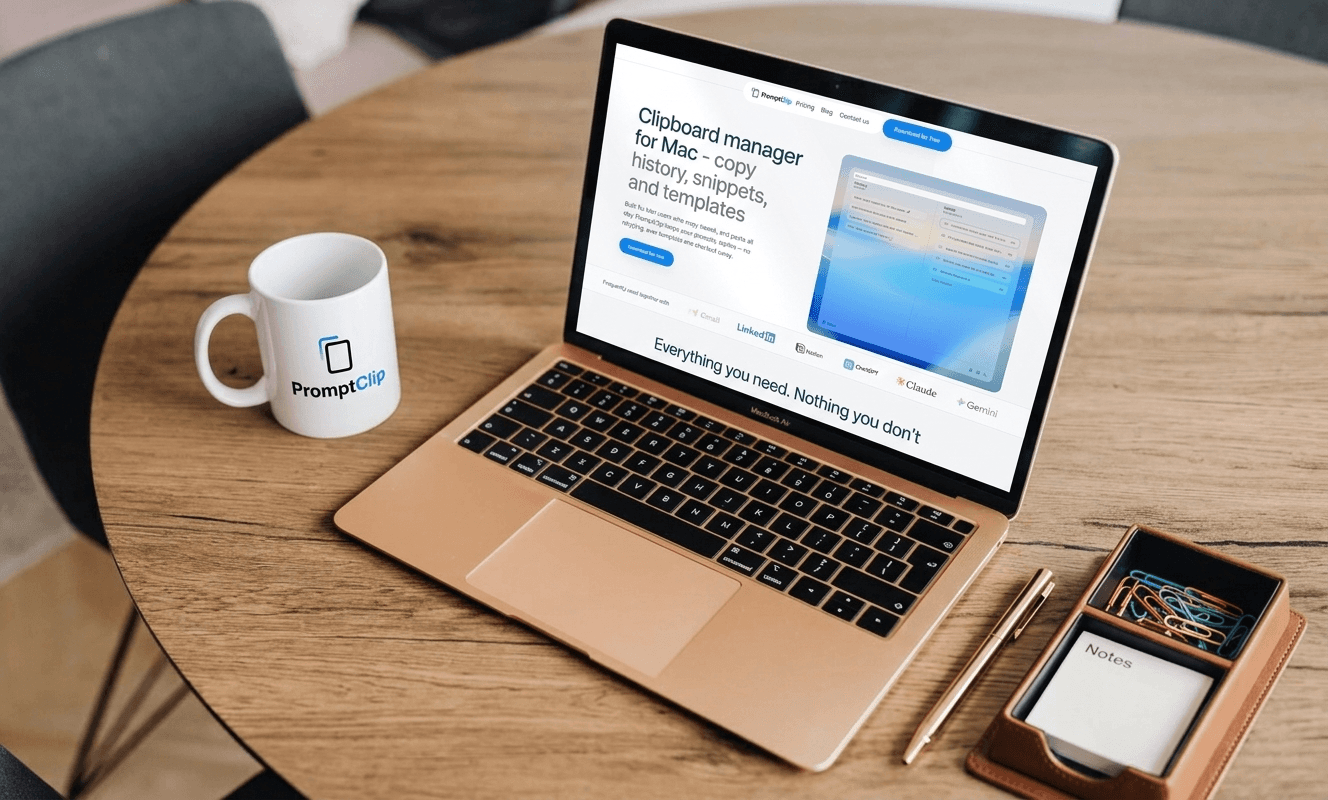
I worked with developers to build the first version of PromptClip in two to three months. The brief was simple: clipboard history and saved snippets, keyboard-first, local on Mac, nothing unnecessary.
The first time I used it in a real workday — opening it with a shortcut, pressing ⌘1 to paste my grammar check prompt straight into Claude without typing a single character — I knew it worked.
That one interaction, repeated fifty times a day, went from fifteen seconds each to under two seconds. The math on that is not complicated.
What PromptClip Is Built For
PromptClip is not built for everyone. It's built for people whose work looks something like mine — high-volume written communication, multiple channels, repeated text that matters.
If you're in business development, sales, recruiting, marketing, or any role where you write variations of the same things across different contexts every day — this is the tool I wish I'd had three years ago.
It does two things:
Copy history — everything you copy is saved automatically, searchable, always recoverable.
Saved snippets — your best prompts, templates, replies, and text fragments stay pinned and ready, accessible with a keyboard shortcut from anywhere on your Mac.
That's it. Nothing more. Built lean on purpose, because the best tool for this job is one that gets out of your way.
Try It Free
PromptClip is available with a free 14-day trial — no credit card required. If it doesn't save you time in the first week, you've lost nothing.
After the trial, it's a one-time payment of $9.99. No subscription. No renewal. Yours as long as you need it.